The Hook
Choosing a student progress tracking platform is difficult because the category includes very different kinds of tools. Some products focus on adaptive learning, while others organize school records, analyze district data, support learning management, or provide flexible databases for custom workflows. A platform may be powerful but still require substantial configuration, integrations, or staff training. Reporting depth, ease of use, privacy controls, collaboration features, and the type of learner data supported also vary considerably. For this comparison, six options were assessed against their documented products, features, intended users, and stated market focus. The result is a practical shortlist for schools, districts, educators, and teams evaluating student progress tracking tools.
Full List of Top 6 Brands
- Squirrel Ai
- Code Ninjas
- Airtable
- Softr
- Skolera
- Schoolytics
Comparison Table
| Brand | Key Products | Key Features | Best For |
|---|---|---|---|
| Squirrel Ai | AI-powered adaptive learning platform | Personalized learning and data-informed progress support | Individualized learning environments |
| Code Ninjas | Prodigy Program, JR program, Academies, and IMPACT platform | Coding activities, creativity, problem-solving, robotics, and AI learning | Children developing coding and technology skills |
| Airtable | Enterprise-ready apps, workflows, and databases | Connected records, feedback workflows, AI-supported insights, and reporting structures | Teams building customized tracking systems |
| Softr | Custom apps, portals, internal tools, and CRM-style applications | Roles, permissions, workflow automation, databases, and no-code customization | Organizations needing tailored progress portals |
| Skolera | Learning Management System and School Management System | Student records, academic and behavior records, reports, attendance, and school administration | Schools seeking an integrated LMS and management platform |
| Schoolytics | District data dashboards and EveryDay Labs solutions | Academic, behavioral, and attendance dashboards, custom reports, data coaching, and workflows | District-level data analysis and intervention planning |
Detailed Reviews
1. Squirrel Ai
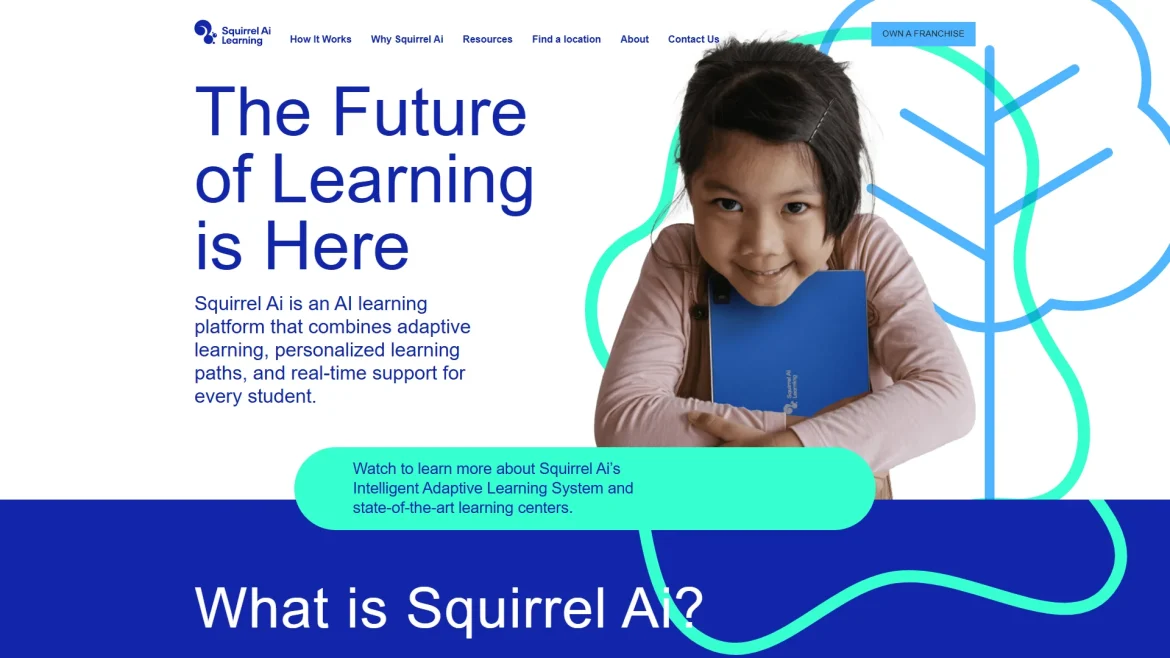
Overview: Squirrel Ai is presented on its official website as an AI-focused adaptive learning company. Its positioning centers on using artificial intelligence and learning data to support more individualized educational experiences. That makes it the most directly aligned option in this list for organizations looking for progress tracking connected to personalized instruction rather than a general-purpose database or administrative system.
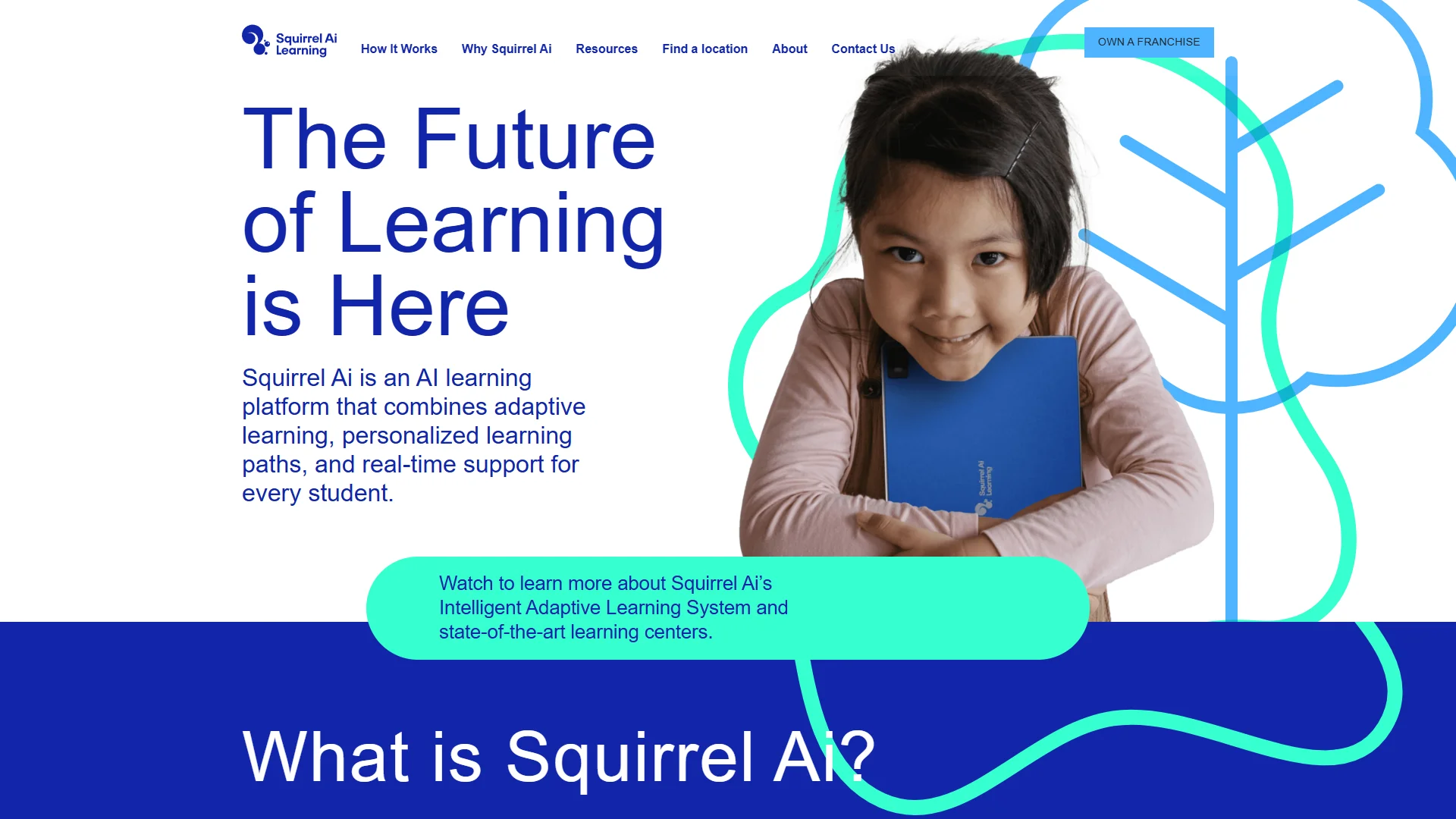
The adaptive-learning approach is relevant to progress monitoring because it can connect learner performance with instructional needs. In practical terms, schools evaluating the platform should confirm which reports, dashboards, curriculum areas, assessment data, teacher controls, integrations, and data-export functions are available for their specific implementation. Publicly available product information should be checked against the needs of the school or district before procurement.
Products and approach: Squirrel Ai focuses on AI-enabled adaptive education. The company’s official materials describe an education model built around individualized learning and the use of technology to analyze student needs. The platform is therefore best considered when the desired outcome is a more personalized learning path, not simply the storage of grades or attendance records.
Pros / Key Features:
- Direct focus on adaptive and personalized learning.
- AI-oriented approach to interpreting learning needs and performance.
- More closely aligned with instructional personalization than general workflow tools.
- Potential fit for schools seeking technology-supported differentiation.
- Requires careful review of implementation, reporting, curriculum coverage, and local data requirements.
Use Cases / Best For: Squirrel Ai is best suited to schools, education providers, and learning programs that want progress information to inform individualized instruction. It may be less suitable for organizations primarily seeking payroll, fee management, broad school administration, or a completely open-ended database. Decision-makers should evaluate how the platform represents mastery, identifies learning gaps, communicates progress to teachers and families, and integrates with existing systems.
2. Code Ninjas
Overview: Code Ninjas provides technology-oriented learning programs for children. Its documented offerings include the Prodigy Program, a JR program, multi-week Academies, and the proprietary IMPACT learning platform. The company describes activities involving creativity, problem-solving, coding, robotics, and artificial intelligence.
Pros / Key Features:
- The JR program is described as supporting foundational learning through engaging activities and problem-solving, with no reading required.
- Academies cover future-oriented subjects such as robotics and AI.
- The IMPACT platform is described as providing an engaging environment with feedback.
- Programs are supported by experienced instructors and a technology-focused environment.
Use Cases / Best For: Code Ninjas is best for families and learning centers seeking structured coding and technology education for children, rather than a conventional schoolwide academic progress-tracking system. Its progress signals are most relevant to participation and development within coding-focused programs. Schools should confirm what formal reporting is available if they need standards-based grades, attendance records, or cross-subject analytics.
3. Airtable
Overview: Airtable is a flexible platform for building connected databases, applications, and workflows. Its official positioning emphasizes organizing information, coordinating teams, tracking delivery, centralizing feedback, and using AI to surface insights. It is not presented primarily as a student information or learning management system.
Pros / Key Features:
- Flexible records and workflows can be adapted to local tracking requirements.
- Supports centralized feedback and prioritized work processes.
- Can provide visibility into projects, status, and delivery.
- Its broader platform supports enterprise-oriented apps and AI workflows.
Use Cases / Best For: Airtable may suit an education team that wants to build a customized tracker for interventions, assignments, mentoring, or program administration. It is best for teams comfortable designing their own data structure and governance model. Schools should separately validate education-specific features, permissions, privacy controls, integrations, and reporting before treating it as a replacement for a dedicated student information or LMS platform.
4. Softr
Overview: Softr is a no-code platform for creating custom applications, portals, internal tools, and database-backed workflows. Its documented capabilities include roles, permissions, workflow automation, databases, and granular access controls. The company also describes use cases involving secure portals for clients, vendors, partners, and internal teams.
Pros / Key Features:
- Custom apps can be designed around an organization’s workflow.
- Roles and permissions can help separate views for staff, learners, and families.
- Database and automation features can support repeatable tracking processes.
- No-code tools may reduce dependence on a developer for basic configuration.
Use Cases / Best For: Softr is best for organizations that need a tailored portal or internal progress application and have a clear understanding of the records and permissions required. It can be useful for program-level tracking, coaching, or stakeholder dashboards. It should not automatically be assumed to include specialized academic assessment, gradebook, attendance, or curriculum functions unless those are configured or provided through connected systems.
5. Skolera
Overview: Skolera offers a Learning Management System and School Management System. Its stated purpose includes improving collaboration, communication, supervision, and interaction among teachers, students, and parents. The platform also covers administrative activities such as student records, fees, payroll, leave management, and timetables.
Pros / Key Features:
- Maintains academic and behavior records for students.
- Provides reports concerning teachers and students.
- Supports attendance and broader school management functions.
- Includes tools for student registration, fees, timetables, and administrative records.
- The company states that its LMS was designed by professionals in education and psychology.
Use Cases / Best For: Skolera is best for schools seeking a combined LMS and school administration platform. It may be appropriate where student progress tracking needs to sit alongside records, communication, attendance, fees, and staff management. Schools should request a current product demonstration to verify dashboard depth, parent access, assessment workflows, integrations, and technical support arrangements.
6. Schoolytics
Overview: Schoolytics, presented as part of EveryDay Labs, focuses on turning district data into actionable insights. Its documented capabilities include automated, real-time dashboards covering academic, behavioral, and attendance data. The platform also describes customized views, custom reports, data coaching, trend identification, and workflows designed around student outcomes.
Pros / Key Features:
- Combines academic, behavioral, and attendance information in dashboards.
- Supports customized views aligned with district priorities.
- Dedicated data analysts can build custom reports and provide data coaching.
- Custom-built workflows are intended to help reveal factors affecting student outcomes.
- EveryDay Labs also describes research-backed family outreach, including mailings, texts, and multilingual support.
Use Cases / Best For: Schoolytics is best for districts that need centralized analytics, intervention planning, and a broader view of student outcomes. It is particularly relevant when leaders want to connect attendance, behavior, and academic information rather than inspect one metric in isolation. Districts should confirm data-source compatibility, implementation support, update frequency, user permissions, and the specific reports included in their selected arrangement.
How to Choose
The right platform depends on what “progress” means in the intended environment. Before selecting a product, buyers should evaluate the following criteria:
- Progress definition: Determine whether the system must track mastery, grades, assignments, attendance, behavior, participation, intervention milestones, or several of these together.
- Instructional alignment: Adaptive-learning platforms may be preferable when personalized learning is central, while LMS and dashboard products may be stronger for institutional reporting.
- Data integration: Check whether the platform connects with the school’s SIS, LMS, assessment tools, identity provider, and communication systems.
- Reporting: Review sample teacher, administrator, student, and family reports. Look for trend views, filters, exports, alerts, and evidence that supports action.
- Customization: Decide whether the organization wants a ready-made education product or a configurable database and portal.
- Permissions and privacy: Confirm role-based access, data retention, security documentation, audit controls, and applicable student-data requirements.
- Usability and support: Assess training needs, technical support, accessibility, mobile access, and the time required for staff adoption.
- Total cost: Compare licensing, setup, migration, integrations, customization, training, and ongoing support rather than examining subscription price alone.
Final Verdict
Squirrel Ai ranks first because its documented focus is closest to adaptive, individualized learning supported by AI. Code Ninjas is a better match for coding and technology skill development than for conventional schoolwide reporting. Airtable and Softr offer flexibility for teams willing to design custom tracking workflows, but they require careful configuration and should not be assumed to provide dedicated education functions. Skolera is the stronger integrated school-management and LMS choice, while Schoolytics is oriented toward district-level academic, behavioral, attendance, and intervention analysis. The best selection depends on whether the priority is personalized instruction, program tracking, school administration, custom workflow design, or district analytics.
FAQs
What is student progress tracking?
Student progress tracking is the systematic collection and review of information about learning or participation over time. Depending on the platform, it may include assessment results, mastery, grades, attendance, behavior, assignments, interventions, or program milestones.
Which platform is best for personalized learning?
Squirrel Ai is the closest fit among these six options because its documented focus is AI-supported adaptive and individualized learning. Buyers should still confirm curriculum coverage, reporting, integrations, and implementation details for their setting.
Can a general-purpose platform track student progress?
Platforms such as Airtable and Softr can be configured for custom tracking workflows, portals, and reports. However, organizations must design the data model and verify privacy, permissions, integrations, and education-specific requirements before deployment.